Foldable iPhone: Addressing the User Interface Challenge of Two Screens
Foldable iPhone: Addressing the User Interface Challenge of Two Screens
The anticipation surrounding Apple's entry into the foldable smartphone market is palpable. While much speculation revolves around hardware – hinge mechanisms, display technology, and battery optimization – the software side presents an equally compelling challenge: crafting a user interface that seamlessly adapts to the dual-screen nature of a foldable device.
Editor's pick: iPhone Pro Max cases & grips on Amazon → As an Amazon Associate, this site earns from qualifying purchases.
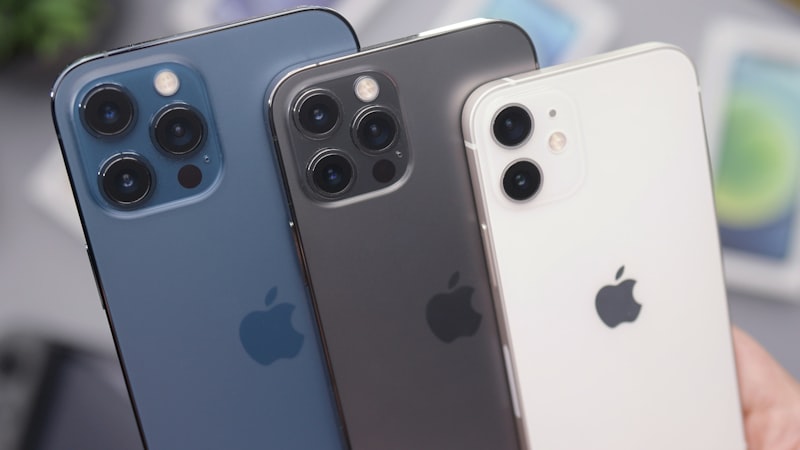
Unlike traditional smartphones, the foldable iPhone, expected to debut sometime in 2027, will offer users the flexibility of a compact, pocketable device that can unfold into a tablet-sized screen. This dynamic form factor necessitates a rethinking of how users interact with iOS and its applications. Apple's approach to this challenge will likely be multifaceted, drawing on existing features while introducing novel solutions.
Bridging the Gap: Continuity and Handoff
Apple's existing Continuity and Handoff features provide a foundational framework for a foldable iPhone UI. These technologies already allow users to seamlessly transition tasks between iPhones, iPads, and Macs. Extending this functionality to the unfolded state of a foldable iPhone is a logical first step. Imagine opening a document on the smaller, folded screen and then seamlessly continuing to edit it on the larger, unfolded display. This requires intelligent resource management and optimized app scaling, areas where Apple already possesses significant expertise.
Adaptive App Layouts: More Than Just Scaling
However, simply scaling existing iPhone apps to fill the larger screen is not a sufficient solution. A truly compelling foldable experience requires adaptive app layouts that intelligently rearrange content based on the screen size. This could involve displaying additional information, revealing hidden features, or providing enhanced multitasking capabilities. Developers will need to leverage Apple's APIs to create apps that are aware of the device's state (folded or unfolded) and adjust their UI accordingly. This represents a significant paradigm shift in iOS app development, as we have discussed previously regarding the need for new development strategies.
Multitasking Evolution: Beyond Split View
The larger screen real estate of the unfolded iPhone opens up new possibilities for multitasking. While Split View and Slide Over are useful on current iPads, the foldable iPhone could introduce more advanced multitasking modes. Picture a scenario where users can have three or four apps running simultaneously in resizable windows, akin to a desktop operating system. This would require significant optimization of iOS to ensure smooth performance and efficient resource allocation. Furthermore, intuitive gestures and controls will be crucial for managing these multiple windows effectively.
Exploiting the Fold: Unique UI Elements
The hinge itself presents opportunities for unique UI elements. Imagine using the partially folded device as a stand for watching videos, with controls displayed on the lower half of the screen. Or perhaps the hinge could be used to create a virtual keyboard when the device is propped up in tent mode. These innovative uses of the foldable form factor could differentiate Apple's offering from competitors.
The Display Challenge and Visual Cohesion
Of course, the effectiveness of any UI design hinges on the quality of the display. The foldable iPhone must deliver a visually seamless experience across both screens. As we explored in our analysis of display technology at iPhone View, achieving consistent color accuracy, brightness, and refresh rates is crucial for preventing a jarring transition between the two panels. Any noticeable discrepancies could detract from the overall user experience and undermine the benefits of the foldable form factor.
A Seamless Transition is Key
Ultimately, the success of the foldable iPhone will depend on Apple's ability to create a user interface that feels both intuitive and seamless. The transition between the folded and unfolded states must be fluid and effortless, and apps must adapt intelligently to the changing screen size. By leveraging existing features like Continuity and Handoff, while also introducing innovative UI elements and multitasking modes, Apple has the potential to redefine the smartphone experience and usher in a new era of mobile computing.
Questions readers ask
Is foldable dual screen challenges realistic for the next iPhone, or further out?
Most signals point to a later cycle rather than imminent release. Component lead times for foldable dual screen challenges suggest Apple is still validating the supply side, and the company tends to wait until yields hit production targets before committing on stage.
What's the biggest tradeoff Apple has to swallow for foldable dual screen challenges?
Every Apple decision is a tradeoff, and the obvious one here is internal volume. Adding foldable dual screen challenges costs millimetres somewhere — usually battery capacity or camera module depth — and Apple has to decide which line item to trim.
What does foldable dual screen challenges actually cost — in price, weight, or battery?
Expect a premium of roughly $200–300 over the standard model, plus a small weight penalty. Battery life is the bigger variable — early prototypes typically trade an hour or two of screen-on time for the new capability, then claw it back over a generation.
How does foldable dual screen challenges change the upgrade calculus for existing owners?
Existing owners weigh foldable dual screen challenges against the upgrade they were already planning. If the feature is meaningful for daily use, it pulls forward upgrades by about a year; if it is novelty, it shifts nothing.
In short — what's the takeaway on bridging the gap: continuity and handoff?
It comes back to whether Apple can ship foldable dual screen challenges without compromising the parts of the iPhone people already pay for. The detail in this section is where that case is made or broken.